Google Drive
File Sharing and Storage.
About Google Drive
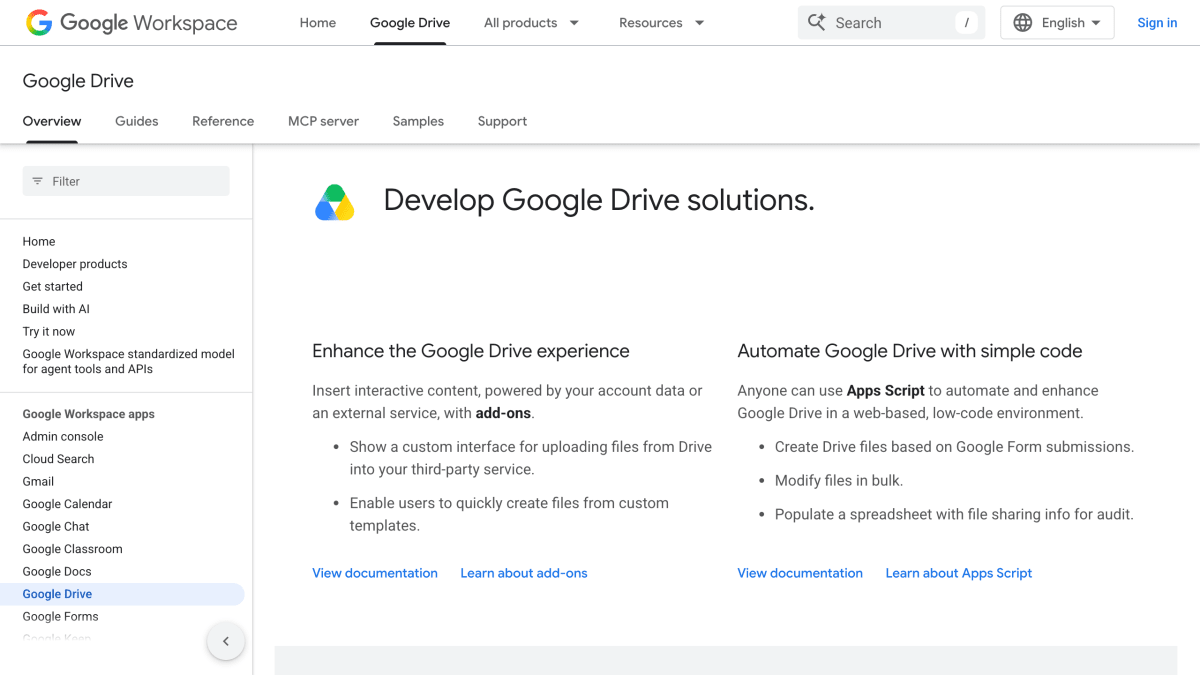
Google Drive offers a set of developer resources for building on top of Google Drive, including add-ons that insert interactive content into the Drive interface, custom upload interfaces to third-party services, and template-based file creation. It also supports automation through Apps Script, a web-based, low-code environment for tasks such as creating Drive files from Google Form submissions, modifying files in bulk, or populating spreadsheets with file-sharing information for audits.
For programmatic access, Google provides several REST APIs: the Drive API for uploading, downloading, sharing, and managing files; the Drive Activity API for retrieving user activity on files and folders; the Drive Labels API for applying and managing metadata labels and searching files by label taxonomy; and the Google Picker API for embedding a file manager widget in web applications. Documentation also includes samples for building AI-powered Drive integrations using agents and platforms such as ADK, Vertex AI Agent Engine, and Gemini Enterprise Agents.
This resource is aimed at developers building integrations, automations, or AI-powered features that connect to Google Drive and its data.
Key features
- Upload, download, share, and manage files via the Drive API
- Get info about user activity on files and folders via the Drive Activity API
- Apply and manage labels on files and folders with a custom label taxonomy via the Drive Labels API
- Embed a file manager widget in web apps with the Google Picker API
- Automate and enhance Drive with Apps Script in a web-based, low-code environment
- Build add-ons that insert interactive content and custom interfaces into Drive
Frequently asked questions
What APIs does Google Drive offer for developers?
It offers the Drive API, Drive Activity API, Drive Labels API, and Google Picker API for interacting programmatically with Drive files and folders.
Can I automate Drive tasks without writing a full application?
Yes, Apps Script provides a web-based, low-code environment to automate and enhance Google Drive, such as creating files from form submissions or modifying files in bulk.
Can I build AI-powered features on top of Google Drive?
Yes, Google provides samples and tutorials for building AI agents integrated with Drive using tools like ADK, Vertex AI Agent Engine, and Gemini Enterprise Agents.
Can I extend the Drive interface itself?
Yes, add-ons let developers insert interactive content into Drive, show custom upload interfaces to third-party services, and let users create files from custom templates.


SerpApi - Search API
SerpApi's Search API makes it easy and fast to scrape Google and other search engines.

Show your product to thousands of developers
· 100k monthly pageviews
· 7k newsletter subscribers
You might also like
File.io
Cloud Storage & File SharingSuper simple file sharing, convenient, anonymous and secure.
Gcore Storage
Cloud Storage & File SharingS3-Compatible Object Storage is a fast and scalable cloud storage system by Gcore that gives you an opportunity to store and retrieve any amount of data at any time. High-performance storage for use as a CDN origin.
GoFile
Cloud Storage & File SharingUnlimited size file uploads for free.
Gyazo
Cloud Storage & File SharingSave & Share screen captures instantly.
Imgbb
Cloud Storage & File SharingSimple and quick private image sharing.
OneDrive
Cloud Storage & File SharingFile Sharing and Storage.