
ddownload
File Sharing and Storage.
About ddownload
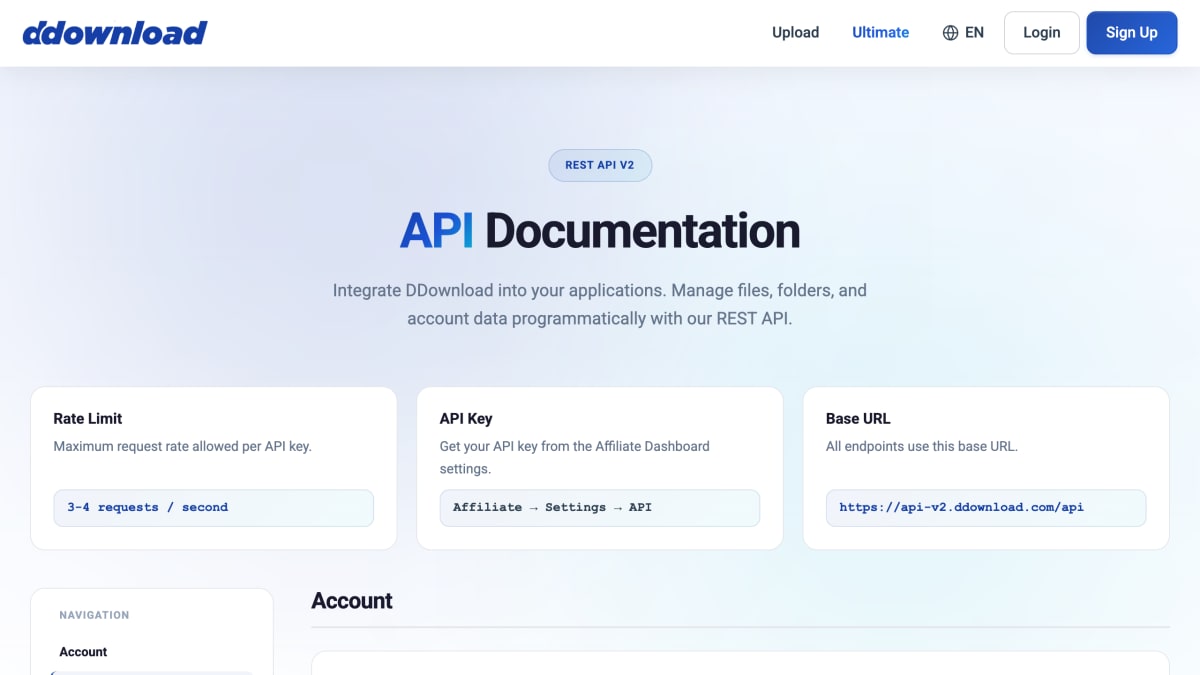
DDownload provides a REST API (v2) for programmatic file hosting and management, accessible from a base URL at api-v2.ddownload.com/api and authenticated with an API key obtained from the Affiliate Dashboard settings. The API supports account operations (retrieving account info and usage statistics), file uploads via a two-step process (requesting an upload server and session ID, then submitting a multipart form), and file management operations including retrieving file info, listing files with pagination and filtering, batch-checking file status, checking for duplicate files by MD5 hash or filename, renaming files, and organizing files into folders. Folder management endpoints (listing, creating, renaming, deleting, and moving folders) are also referenced in the navigation.
Responses are returned in JSON and include status codes for conditions such as file found (200), not found (404), and content removed for legal/DMCA reasons (451). The API enforces a rate limit of 3-4 requests per second per API key.
This API is intended for developers building applications that need to integrate file upload, storage, and file/folder management functionality with DDownload's hosting service.
Key features
- REST API for programmatic file, folder, and account management
- File upload via dedicated upload server with session-based sess_id
- Duplicate file detection via MD5 hash, filename, or filename+size search
- Batch file status checks (up to 500 file codes) including DMCA removal status
- File and folder organization: rename, move, set folder, delete
- Account info and usage stats endpoints (storage, traffic, balance)
Frequently asked questions
What is the API rate limit?
The DDownload API allows 3-4 requests per second per API key.
How do I authenticate API requests?
Requests are authenticated with an API key obtained from the Affiliate Dashboard under Settings.
How does file uploading work?
You first request an upload server URL and a session ID (sess_id) via the API, then submit the file to that server using a multipart form; a new sess_id must be requested for each upload.
Can I check if a file already exists before uploading?
Yes, the File Exists endpoint lets you search by MD5 hash, filename, or filename plus size to detect duplicates already in your account.
What does the Check Files endpoint return?
It checks up to 500 file codes at once and returns whether each file exists, is unavailable, or was removed for DMCA reasons.


SerpApi - Search API
SerpApi's Search API makes it easy and fast to scrape Google and other search engines.

Show your product to thousands of developers
· 100k monthly pageviews
· 7k newsletter subscribers
You might also like
Box
Cloud Storage & File SharingFile Sharing and Storage.
Databricks
Cloud Storage & File SharingManage Databricks workspaces, clusters, jobs, and notebooks via a Rest API.
Delta Lake
Cloud Storage & File SharingOpen-source storage framework enabling Lakehouse architecture with Spark, PrestoDB, Flink, Trino, Hive, and APIs.
Dropbox
Cloud Storage & File SharingFile Sharing and Storage.
Fil One
Cloud Storage & File SharingS3-compatible object storage API (formerly Web3 Storage).
File.io
Cloud Storage & File SharingSuper simple file sharing, convenient, anonymous and secure.