Qrcode Monkey
Integrate custom and unique looking QR codes into your system or workflow.
About Qrcode Monkey
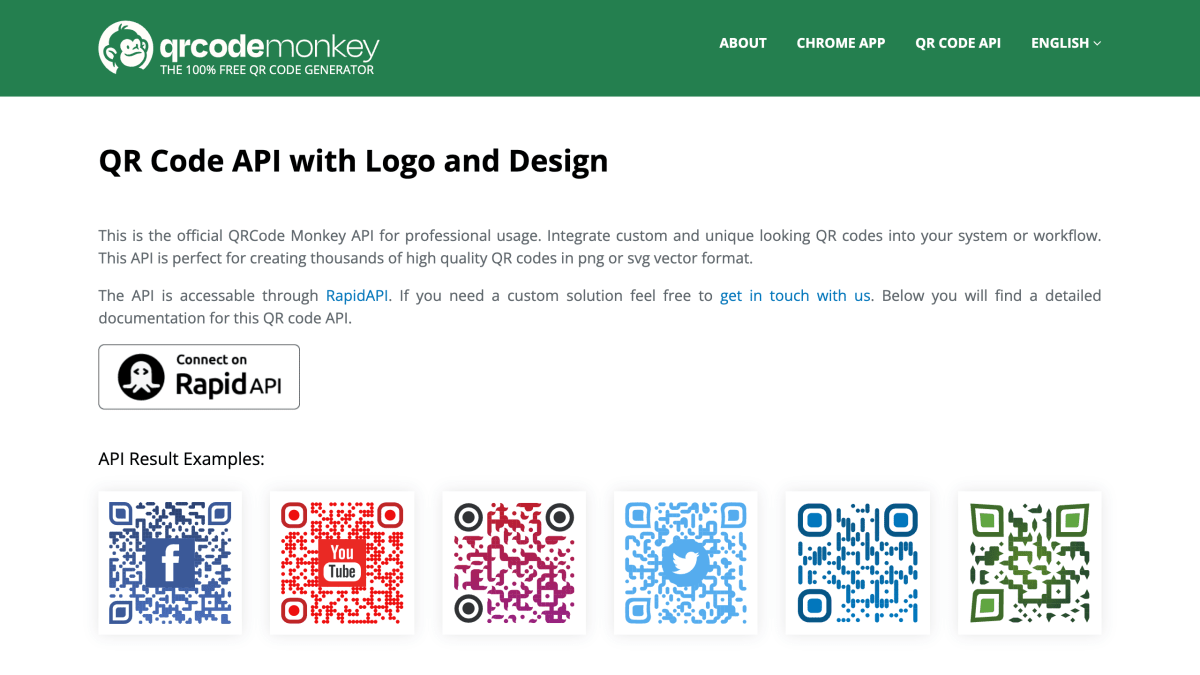
QRCode Monkey's API generates custom QR codes for integration into external systems or workflows. It offers a "custom" endpoint for creating styled QR codes with configurable body shapes, eye/eyeball designs, colors, gradients, and embedded logos, output as PNG, SVG, PDF, or EPS. A separate "transparent" endpoint creates QR codes composited onto a background image at a specified position and size, with an option to crop to just the code. A third endpoint handles image uploads (PNG, JPG, SVG) for use as logos within generated codes.
Requests can be made via GET or POST, with QR code content, size, and a JSON config object controlling appearance. The API is accessible through RapidAPI, and the page notes custom solutions can be arranged by contacting the provider directly.
This API is intended for developers who need to generate QR codes programmatically at scale, such as producing large batches of branded or styled codes for a product or platform.
Key features
- Generate custom QR codes with logos, colors, and gradient designs via API
- Export QR codes as PNG, SVG, PDF, or EPS
- Create transparent QR codes overlaid on a background image
- Upload custom logo images for embedding in QR codes
- Customize QR code eyes, eye balls, and body shapes independently
Frequently asked questions
Is there a free way to access the QR Code API?
The API is accessible through RapidAPI, and QRCode Monkey itself is described as a free QR code generator.
What output formats are supported?
The API can return QR codes as PNG, SVG, PDF, or EPS files.
Can I customize the QR code's appearance?
Yes, a config JSON object lets you set body shape, eye and eyeball styles, colors, gradients, and an embedded logo.
How do I add a logo to my QR code?
You can upload an image via the /qr/uploadImage endpoint or reference an image URL, then set it as the logo parameter in the config object.
How do I integrate the API into my application?
You send requests to endpoints like /qr/custom or /qr/transparent using GET or POST with parameters such as data, size, config, and file.


SerpApi - Search API
SerpApi's Search API makes it easy and fast to scrape Google and other search engines.

Show your product to thousands of developers
· 100k monthly pageviews
· 7k newsletter subscribers
You might also like
QR code
DevelopmentGenerate and decode / read QR code graphics.
QR code
DevelopmentCreate an easy to read QR code and URL shortener.
QR code Generator
DevelopmentStatic and Dynamic QR code generator with custom and unique QR code design.
QuickChart
DevelopmentGenerate chart and graph images.
Render API
DevelopmentLets you programmatically manage your Render services (web apps, APIs, and static sites) including deployments, scaling, and configuration.
ReqRes
DevelopmentA hosted REST-API ready to respond to your AJAX requests.