
IFTTT
IFTTT Connect API.
About IFTTT
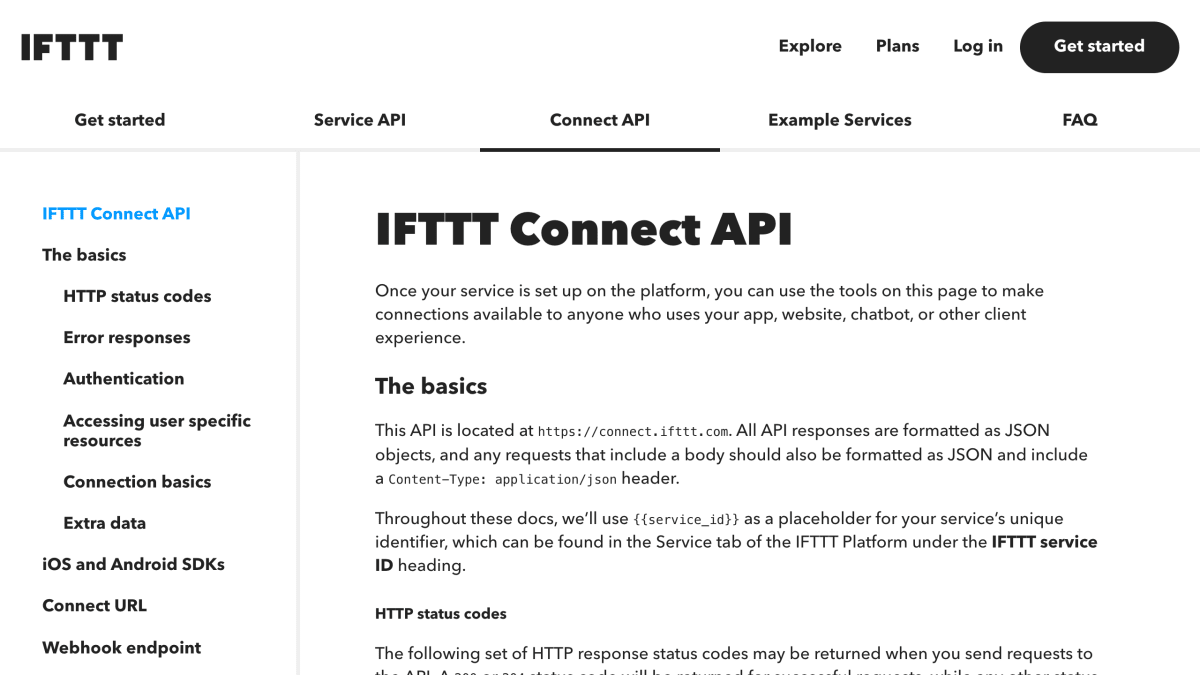
The IFTTT Connect API is a REST-based HTTP API located at connect.ifttt.com that lets developers integrate their own service into IFTTT connections. It handles connection lifecycle operations including enabling, showing, updating, and refreshing connections, as well as running triggers, queries, and actions tied to a user's account. All requests and responses use JSON, with standard HTTP status codes (200, 204, 400, 401, 403, 404, 422, 500, 502) indicating request outcomes.
Authentication supports two levels: unauthenticated requests limited to publicly-visible information, and service-authenticated requests using an IFTTT-Service-Key header for backend server calls. Most endpoints require a user_id parameter to access user-specific resources, which must match the ID returned by the developer's service to IFTTT. A Connect URL mechanism (https://ifttt.com/connect/{connection_id}) handles the authentication flow for enabling a connection, accepting parameters for email, redirect_uri, a provisional access code, and a skip_config flag.
The API is intended for developers building services that connect to IFTTT, whether through apps, websites, chatbots, or other client experiences. It can be used standalone or alongside IFTTT's iOS and Android SDKs, which are built on top of this API. IFTTT notes that it may add additional JSON fields to requests over time and instructs API implementers to ignore unrecognized fields rather than reject them.
Key features
- Connect URL flow that authenticates and enables connections across web, mobile, and SDKs
- Webhook endpoints for enabled, updated, and disabled connection events
- Trigger, query, and action endpoints for running service integrations
- Service-authenticated and unauthenticated request modes via IFTTT-Service-Key
- iOS and Android SDKs built on top of the Connect API
- Automatic storage of user field data required to run a connection
Frequently asked questions
What platforms can connections be enabled on?
Connections can be enabled on IFTTT.com, the IFTTT mobile apps, and the iOS and Android SDKs.
How does authentication work with the Connect API?
Requests are either unauthenticated, which can only read publicly-visible information, or service-authenticated using an IFTTT-Service-Key header for calls from backend servers.
What format does the API use for requests and responses?
All API responses are JSON objects, and requests with a body must also be JSON with a Content-Type: application/json header.
Are there SDKs available for mobile integration?
Yes, IFTTT provides both an Android SDK and an iOS SDK, both available on GitHub, to integrate the API into mobile apps.
How does IFTTT handle user-specific data for connections?
IFTTT collects and stores user field data required to run a connection, such as a device ID, when a user enables it, and this data can be viewed via the show a connection endpoint.


SerpApi - Search API
SerpApi's Search API makes it easy and fast to scrape Google and other search engines.

Show your product to thousands of developers
· 100k monthly pageviews
· 7k newsletter subscribers
You might also like
httpSMS
DevelopmentUse your Android phone as an SMS gateway to send and receive SMS messages via a simple HTTP API.
Hunter
DevelopmentAPI for domain search, professional email finder, author finder and email verifier.
IBM Text to Speech
DevelopmentConvert text to speech.
Image-Charts
DevelopmentGenerate charts, QR codes and graph images.
import.io
DevelopmentRetrieve structured data from a website or RSS feed.
Insomnia
DevelopmentA free API client that allows you to design, debug, test, and mock APIs locally, on Git, or cloud.