Google Calendar
Display, create and modify Google calendar events.
About Google Calendar
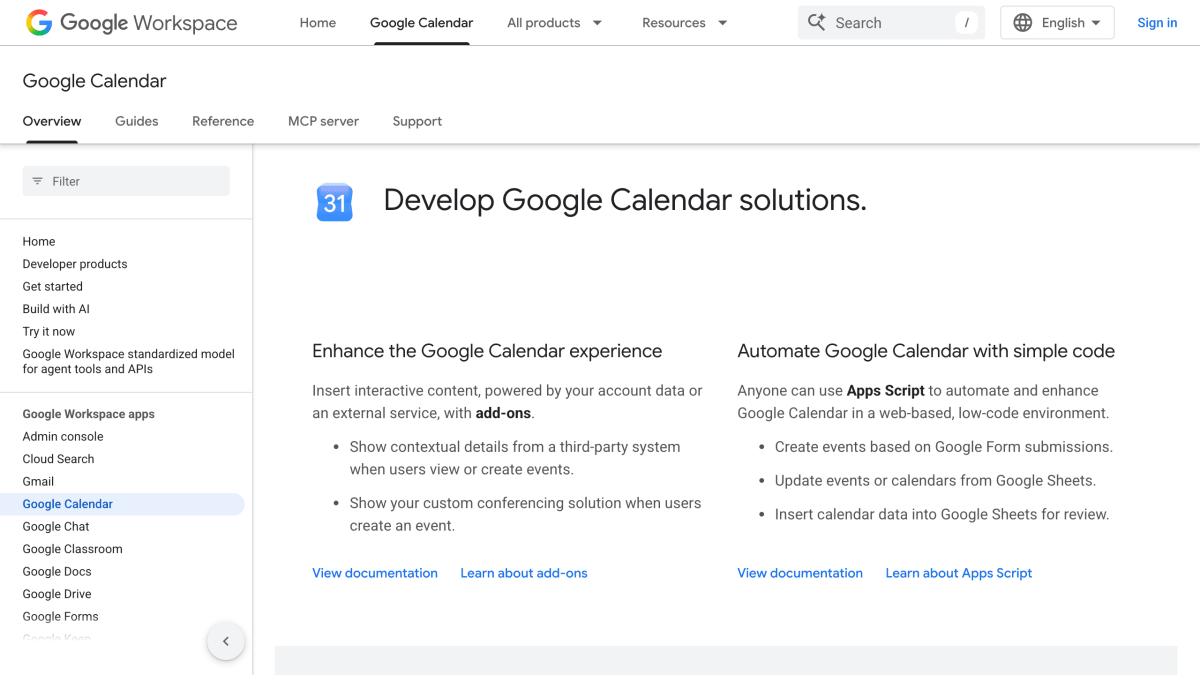
Google Calendar's developer documentation provides resources for building integrations with the calendar service. It covers add-ons that insert interactive content into the Calendar interface, show contextual details from third-party systems on events, or display custom conferencing solutions when users create events. It also documents using Apps Script to automate tasks such as creating events from Google Form submissions, updating events or calendars from Google Sheets, and inserting calendar data into Sheets.
Programmatic access is available through the Calendar API, a REST API supporting languages including Java, JavaScript, and Python for reading and updating calendars, and the CalDAV API for reading and updating calendar data via Google's CalDAV server. Client libraries are available for download in supported languages.
The documentation also includes samples for building AI-powered Calendar features, such as an agent add-on integrating with ADK and Vertex AI Agent Engine, and tutorials for building Gemini Enterprise Agents and Vertex AI Agents connected to Workspace data stores and APIs. It is intended for developers building integrations, automations, or AI agents that interact with Google Calendar.
Key features
- Calendar REST API for reading and updating calendars from Java, JavaScript, Python, and other languages
- CalDAV API to read and update calendar data
- Add-ons to insert interactive content and show contextual details from third-party systems during event viewing/creation
- Sample integrations for building AI agents with ADK, Vertex AI Agent Engine, and Gemini Enterprise
Frequently asked questions
What languages can I use with the Calendar API?
The Calendar API supports several popular programming languages, including Java, JavaScript, and Python. Client libraries are available for download for your preferred language.
Can I automate Google Calendar without writing a full application?
Yes, Apps Script provides a web-based, low-code environment to automate and enhance Google Calendar, such as creating events from Google Form submissions or updating events from Google Sheets.
Does Google Calendar support add-ons for custom integrations?
Yes, add-ons let you insert interactive content, show contextual details from third-party systems, and display custom conferencing solutions during event creation.
Is there support for AI agent development with Google Calendar?
Yes, Google provides samples for building AI-powered solutions, including a Travel Concierge agent using ADK and Vertex AI Agent Engine, and Gemini Enterprise Agents integrated with Workspace data.
Is CalDAV supported for calendar data access?
Yes, Google provides a CalDAV server that can be used to read and update calendar data.


SerpApi - Search API
SerpApi's Search API makes it easy and fast to scrape Google and other search engines.

Show your product to thousands of developers
· 100k monthly pageviews
· 7k newsletter subscribers
You might also like
DigiDates
CalendarVarious date and time calculations.
Festivo Public Holidays
CalendarFastest and most advanced public holiday and observance service on the market.
Generate iCAL
CalendarGenerates iCal calendar events that can be used across calendar applications.
Hebrew Calendar
CalendarConvert between Gregorian and Hebrew, fetch Shabbat and Holiday times, etc.
Holidays
CalendarHistorical data regarding holidays.
LectServe
CalendarProtestant liturgical calendar.