
Azure DevOps
The Azure DevOps basic components of a REST API request/response pair.
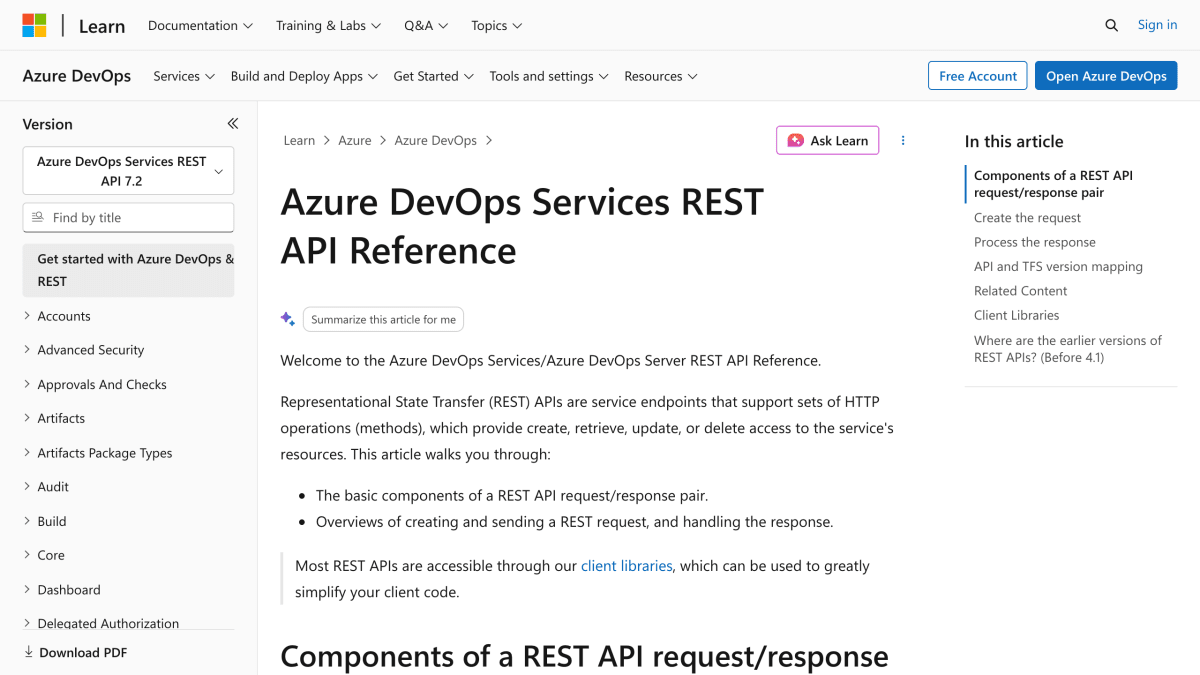
About Azure DevOps
Azure DevOps Services and Azure DevOps Server expose a REST API that provides create, retrieve, update, and delete access to the service's resources through standard HTTP methods (GET, HEAD, PUT, POST, PATCH). Requests are structured around an instance URL (dev.azure.com/{organization} for Azure DevOps Services, or {server:port}/tfs/{collection} for TFS), an optional area and resource path such as _apis/wit/workitems, and a required api-version parameter.
The API supports multiple authentication mechanisms depending on application type, including Microsoft Authentication Library (MSAL) for interactive client-side and JavaScript applications, Device Profile authentication for non-interactive headless clients, OAuth for interactive web applications, and Personal Access Tokens (PATs) for basic authentication via HTTP requests, such as curl or C# HttpClient calls. Client libraries are also available to simplify interaction with the REST endpoints.
This is aimed at developers building applications, extensions, or integrations that interact with Azure DevOps Services or TFS/Azure DevOps Server, such as tools that enumerate projects, display bug dashboards, or summarize build information.
Key features
- REST API access to Azure DevOps Services and TFS resources for create, retrieve, update, and delete operations
- Versioned API endpoints via required api-version parameter to prevent breaking changes
- Multiple authentication mechanisms including Personal Access Tokens, MSAL, OAuth, and Session Tokens
- Client libraries available to simplify REST API usage
- Support for GET, HEAD, PUT, POST, and PATCH HTTP methods
Frequently asked questions
What authentication methods does the Azure DevOps REST API support?
It supports Personal Access Tokens, Microsoft Authentication Library (MSAL), OAuth, and Session Tokens, with the best choice depending on the type of application (interactive client, JavaScript, headless, or web).
Does this work with both Azure DevOps Services and on-premises TFS?
Yes, the REST API reference covers both Azure DevOps Services (dev.azure.com/{organization}) and Azure DevOps Server/TFS ({server:port}/tfs/{collection}).
What HTTP methods does the API support?
The API supports GET, HEAD, PUT, POST, and PATCH methods.
What format is data returned in?
Responses are typically returned in a structured format such as JSON or XML, indicated by the Content-type response header.
Are client libraries available instead of calling REST endpoints directly?
Yes, most REST APIs are accessible through client libraries that can simplify client code.


SerpApi - Search API
SerpApi's Search API makes it easy and fast to scrape Google and other search engines.

Show your product to thousands of developers
· 100k monthly pageviews
· 7k newsletter subscribers
You might also like
ASORadar
DevelopmentApp Store and Google Play reviews, ratings, rankings and app metadata.
AutoChangelog
DevelopmentAutomatically creates changelog entries from deployments by analyzing pull requests, commits, and code diffs across your GitHub repositories.
Autom
DevelopmentOur SERP API delivers lightning-fast Google search results at unbeatable prices. Built for developers who need reliable, scalable access to search data without the complexity of web scraping or CAPTCHA challenges.
Beeceptor
DevelopmentBuild a mock Rest API endpoint in seconds.
Bitbucket
DevelopmentBitbucket API.
Blitapp
DevelopmentSchedule screenshots of web pages and sync them to your cloud.