
Aftership
API to update, manage and track shipment efficiently.
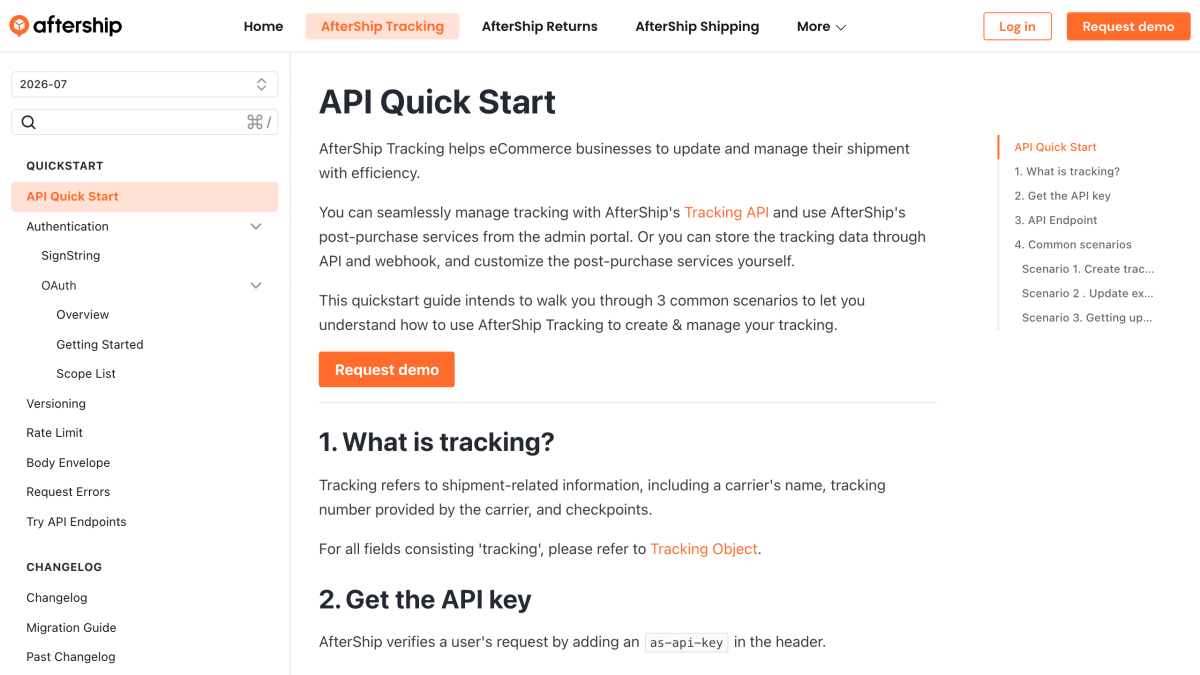
About Aftership
AfterShip Tracking is an API and webhook platform that helps eCommerce businesses update and manage shipment tracking. It allows tracking data to be created, retrieved, updated, deleted, and retracked via REST endpoints at api.aftership.com, with requests authenticated using an as-api-key header.
When creating a tracking, users can supply a tracking number along with a courier slug, a slug group, or no courier information at all, in which case AfterShip attempts to auto-detect the courier based on the account's preferred courier list. The platform also provides courier-related endpoints, including retrieving supported couriers, courier connections, and estimated delivery date predictions.
For ongoing updates, AfterShip supports webhooks that push tracking status changes to one or more configured URLs, with each webhook request signed using an HMAC-SHA256 signature for verification. SDKs are available for Java, Node.js, .NET, Python, Ruby, PHP, and Go. The platform is intended for developers and businesses building post-purchase tracking experiences, such as custom tracking pages, using AfterShip's API and webhook data instead of, or alongside, its admin portal.
Key features
- Create, update, retrieve, and delete shipment tracking via REST API
- Auto-detects courier from tracking number when slug is unknown
- Webhook notifications push tracking updates in real time
- Webhook payloads signed with HMAC-SHA256 for verification
- Estimated delivery date prediction (single and batch)
- SDKs available for Java, Node.js, .NET, Python, Ruby, PHP, and Go
Frequently asked questions
What authentication does the AfterShip API use?
Requests are authenticated with an as-api-key header containing an API key generated from the AfterShip admin portal.
What programming languages have official SDKs?
AfterShip provides SDKs for Java, Node.js, .NET, Python, Ruby, PHP, and Golang.
How do I get real-time tracking updates?
You can configure a webhook URL in settings and AfterShip will push tracking update notifications to it, including a signed aftership-hmac-sha256 header for verification.
Do I need to know the courier to create a tracking?
No, if you don't know the courier you can omit the slug field and AfterShip will attempt to auto-detect it based on your preferred courier list.
What is the API endpoint for tracking requests?
The endpoint is https://api.aftership.com/tracking/2026-07 and all endpoints are only accessible via HTTPS.


SerpApi - Search API
SerpApi's Search API makes it easy and fast to scrape Google and other search engines.

Show your product to thousands of developers
· 100k monthly pageviews
· 7k newsletter subscribers
You might also like
Correios
TrackingIntegration to provide information and prepare shipments using Correio's services.
Pixela
TrackingAPI for recording and tracking habits or effort, routines.
PostNord
TrackingProvides information about parcels in transport for Sweden and Denmark.
UPS
TrackingShipment and Address information.
WeCanTrack
TrackingAutomatically place subids in affiliate links to attribute affiliate conversions to click data.
WhatPulse
TrackingSmall application that measures your keyboard/mouse usage.