Zoom
Video communication, web conferencing, chat, and webinars.
About Zoom
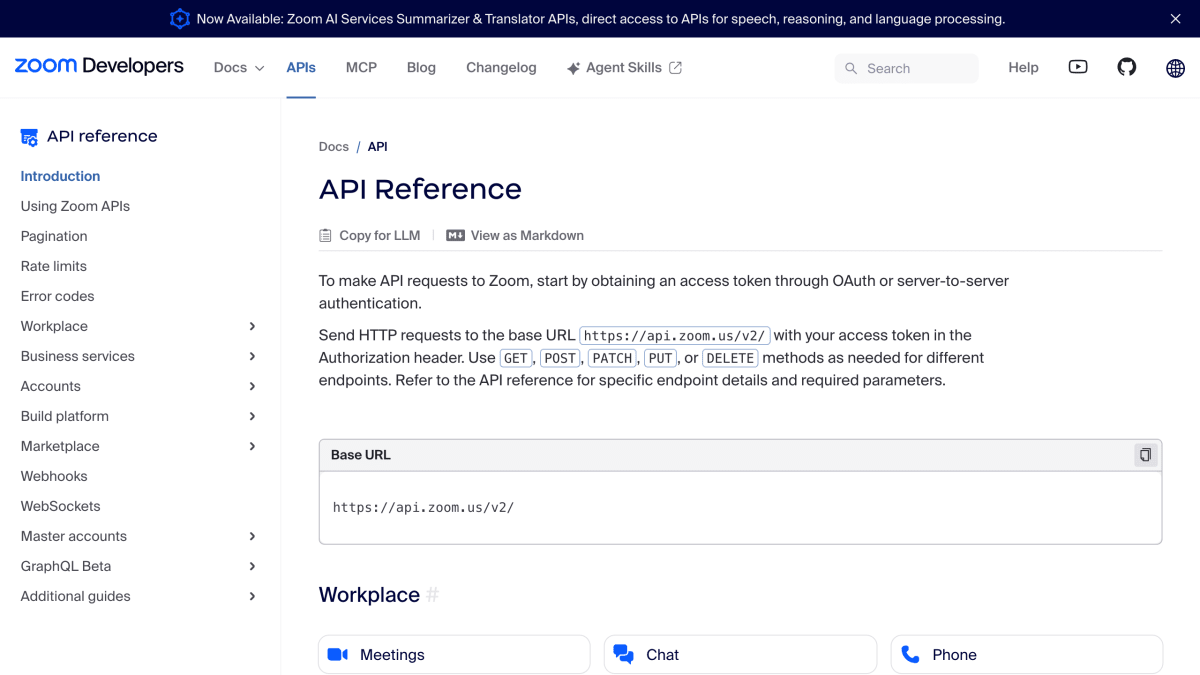
The Zoom API provides programmatic access to Zoom's platform, covering meetings, chat, phone, mail, calendar, webinars, contact center, video SDK, and related workplace and business services. Requests are made over HTTP to a base URL with an access token included in the Authorization header, using standard GET, POST, PATCH, PUT, and DELETE methods.
Authentication is handled through OAuth 2.0 (authorization code flow with user consent) or server-to-server OAuth using app credentials; both methods issue access tokens valid for one hour, with refresh tokens or new token requests used to maintain access. The API supports webhook-based event subscriptions for real-time notifications, and also offers WebSockets as an alternative delivery method, currently in public beta.
The API applies rate limits at the account level, varying by account plan, with separate queries-per-second and daily limits, returning HTTP 429 responses when exceeded. Large result sets are paginated using a next_page_token parameter combined with a configurable page_size. Developers can explore and test the API through Zoom's Postman Public Workspace, which includes a full request collection and a tailored quick-start collection.
Key features
- OAuth 2.0 and server-to-server OAuth authentication for API access
- REST API covering meetings, chat, phone, webinars, and other Zoom services
- Real-time event notifications via webhooks and public-beta WebSockets
- Rate limiting with QPS and daily-limit tiers by account plan
- Pagination via next_page_token for large result sets
- Postman public workspace with prebuilt API request collections
Frequently asked questions
How do I authenticate with the Zoom API?
You can use OAuth 2.0 with user consent and an authorization code, or server-to-server OAuth 2.0 using app credentials directly. Both methods produce access tokens valid for one hour.
What is the base URL for making API requests?
Requests are sent to https://api.zoom.us/v2/ with the access token included in the Authorization header. GET, POST, PATCH, PUT, or DELETE methods are used depending on the endpoint.
How can I receive real-time updates from Zoom?
You can subscribe to event notifications via webhooks by specifying an HTTPS endpoint that accepts JSON POST payloads, or use WebSockets, which are currently in public beta.
What happens if I exceed the API rate limits?
Exceeding rate limits returns an HTTP 429 status code, and limits are applied at the account level based on QPS or daily limits that vary by account plan.
How do I handle large result sets from the API?
Zoom APIs use pagination with a page_size parameter and a next_page_token returned in responses to fetch subsequent pages of results.


SerpApi - Search API
SerpApi's Search API makes it easy and fast to scrape Google and other search engines.

Show your product to thousands of developers
· 100k monthly pageviews
· 7k newsletter subscribers
You might also like
Twitter
SocialRead and write Twitter data.
TwitterApi.IO
SocialAccess Twitter's Real-time & Historical Data with Unmatched Simplicity.
vk
SocialRead and write vk data.
Webex
SocialTeam collaboration software.
WoopSocial
SocialSchedule and publish posts across social media platforms.
Xquik API
SocialSearch X posts, profiles, followers, trends, and communities through 128 REST operations, MCP, webhooks, SDKs, and exports. Not affiliated with X Corp.