Lordicon
Icons with predone Animations.
About Lordicon
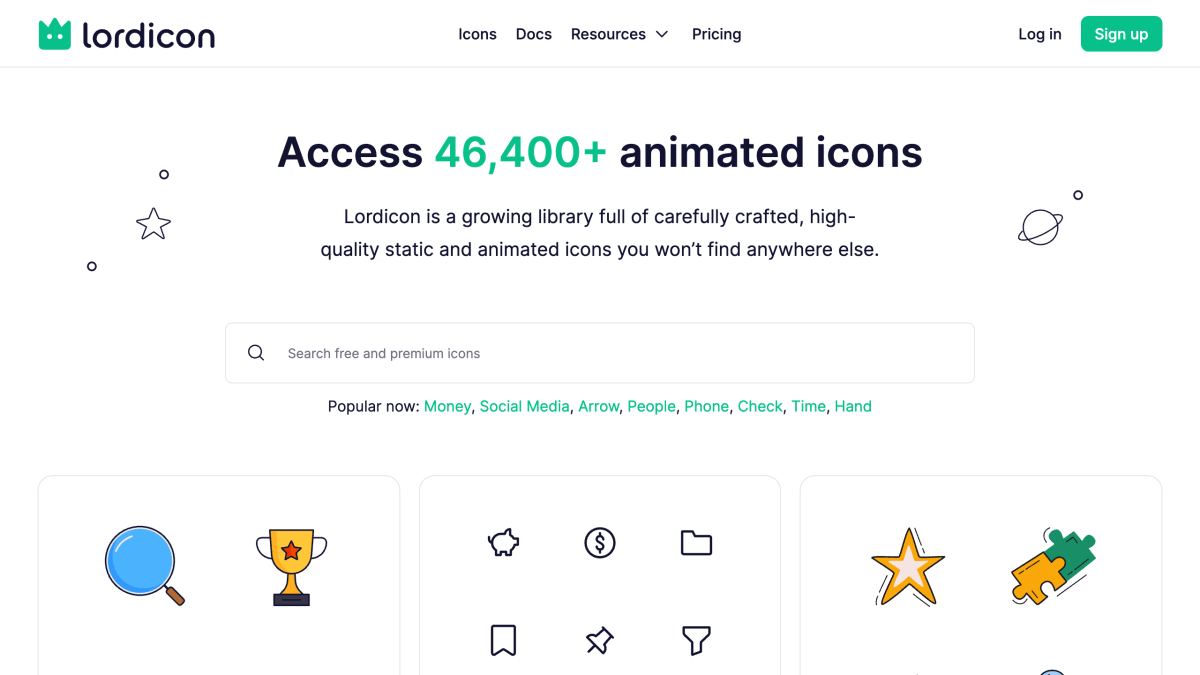
Lordicon is a library of over 46,400 static and animated icons, organized into families such as Wired, System, and Doodle, each offered in multiple styles (outline, solid, flat, gradient, color, and others). Icons can be customized in color, stroke, size, speed, and animation state (Intro, Hover, Morph, Loop), and exported in formats including Lottie, GIF, MP4, SVG, PNG, WebP, APNG, AEP, and MOGRT.
Icons are hand-designed and animated by the Lordicon team, following a process of sketching, vector design in Figma, and frame-by-frame animation in Adobe After Effects. Web integration is available through an NPM package (`@lordicon/element`) using a custom HTML element, with documented usage paths for HTML/JS, React, WordPress, and Webflow.
The product is aimed at designers and developers building web, mobile, or content design projects who want animated iconography, including use cases such as onboarding flows, dashboards, and marketing sites. Additional resources include an API, a icon request feature, and support documentation.
Key features
- Library of 46,400+ animated and static icons across Wired, System, and Doodle icon families
- Export icons in Lottie, GIF, MP4, SVG, PNG, WebP, APNG, AEP, and MOGRT formats
- Adjust colors, stroke, speed, size, and animation settings per icon
- Multiple animation states including Intro, Hover, Morph, and Loop
- NPM package (@lordicon/element) for web integration with a custom lord-icon element
- Icons designed and hand-animated by an in-house team rather than generated
Frequently asked questions
Is there a free option?
Yes, Lordicon offers a free tier alongside its premium icon library.
What formats can icons be exported in?
Icons can be exported in Lottie, GIF, MP4, SVG, PNG, WebP, APNG, AEP, MOGRT, and more.
How do I integrate Lordicon into a web project?
Install the @lordicon/element NPM package, import and register it with defineElement(), then use the lord-icon custom element in your HTML.
What platforms or frameworks does Lordicon support?
Lordicon provides best-practice guides for HTML/JS, React, WordPress, and Webflow.
Who is Lordicon for?
It's aimed at designers and developers building web, mobile, or content projects who want animated icons, including marketers and consultants creating presentations and websites.


SerpApi - Search API
SerpApi's Search API makes it easy and fast to scrape Google and other search engines.

Show your product to thousands of developers
· 100k monthly pageviews
· 7k newsletter subscribers
You might also like
Icon Horse
Art & DesignFavicons for any website, with fallbacks.
Icons8
Art & DesignIcons (find "search icon" hyperlink in page).
Logotypes
Art & DesignLogotypes of the world in multiples format.
Magnific Icons API
Art & DesignIcon search and download API by Freepik (formerly Iconfinder).
Metropolitan Museum of Art
Art & DesignMet Museum of Art.
Noun Project
Art & DesignIcons.