CodeCogs
Generate LaTeX equations as PNG, SVG, and GIF images.
About CodeCogs
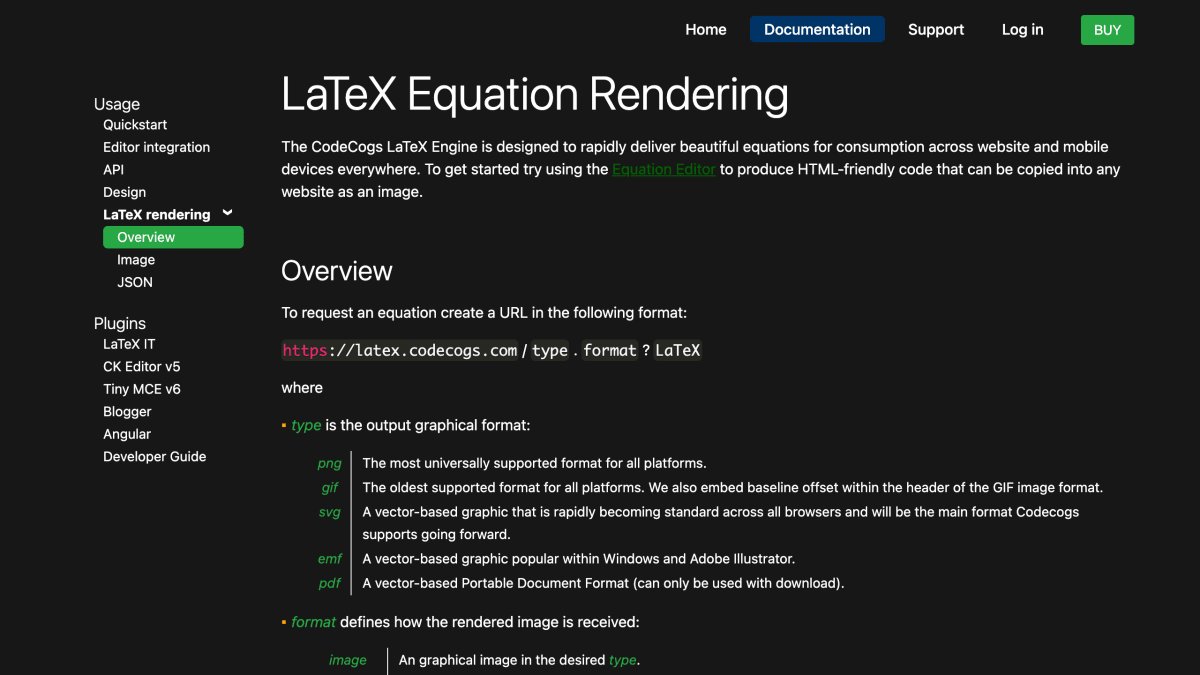
CodeCogs provides a LaTeX rendering engine that converts LaTeX markup into equation images for use on websites and mobile platforms. Equations are requested via a URL specifying an output format (PNG, GIF, SVG, EMF, or PDF) and a response type (image, JSON, JavaScript, or download), with the LaTeX markup passed as part of the URL. Rendered equations can be embedded directly as HTML image tags without requiring any installation.
The service supports additional formatting options within the LaTeX request, including font size presets, DPI settings for PNG and GIF output, and background/foreground color specification using hex codes or a set of named presets. A JSON output mode returns the rendered equation as a base64-encoded image along with metadata such as the cleaned equation text, output type, a unique cached file URL, and image dimensions for GIFs; cached equation images not reused within 48 hours are removed from the server.
The product is aimed at developers who need to display mathematical or scientific notation on web pages or in applications, offering integration guidance for tools such as CKEditor, TinyMCE, Blogger, and Angular, and covers usage via direct image embedding or through JSON/JavaScript-based retrieval methods like jQuery.
Key features
- Renders LaTeX equations as images via a simple URL request
- Supports PNG, GIF, SVG, EMF, and PDF output formats
- Returns rendered equations as JSON with base64-encoded image data
- Customizable font size, background color, and foreground color options
- Adjustable DPI (50-300) for PNG and GIF images
- Embeddable via a single HTML img tag with no installation required
Frequently asked questions
What output formats does CodeCogs support?
It supports png, gif, svg, emf, and pdf image types, with svg described as the format it will primarily support going forward.
Can I get equation data instead of just an image?
Yes, requesting the .json format returns a JSON object with the equation, image url, and a base64 encoding of the image.
How long are rendered equations cached?
Cached images are routinely cleaned, and equations not reused within 48 hours are removed from the cache.
Who is behind CodeCogs?
CodeCogs is operated by Zyba Ltd., based in Bridgwater, UK.


SerpApi - Search API
SerpApi's Search API makes it easy and fast to scrape Google and other search engines.

Show your product to thousands of developers
· 100k monthly pageviews
· 7k newsletter subscribers
You might also like
arcsecond.io
Science & MathMultiple astronomy data sources.
arXiv
Science & MathCurated research-sharing platform: physics, mathematics, quantitative finance, and economics.
Bootprint
Science & MathRandom facts and images of space.
CORE
Science & MathAccess the world's Open Access research papers.
GBIF
Science & MathGlobal Biodiversity Information Facility.
iDigBio
Science & MathAccess millions of museum specimens from organizations around the world.