OneSignal
Self-serve customer engagement solution for Push Notifications, Email, SMS & In-App.
About OneSignal
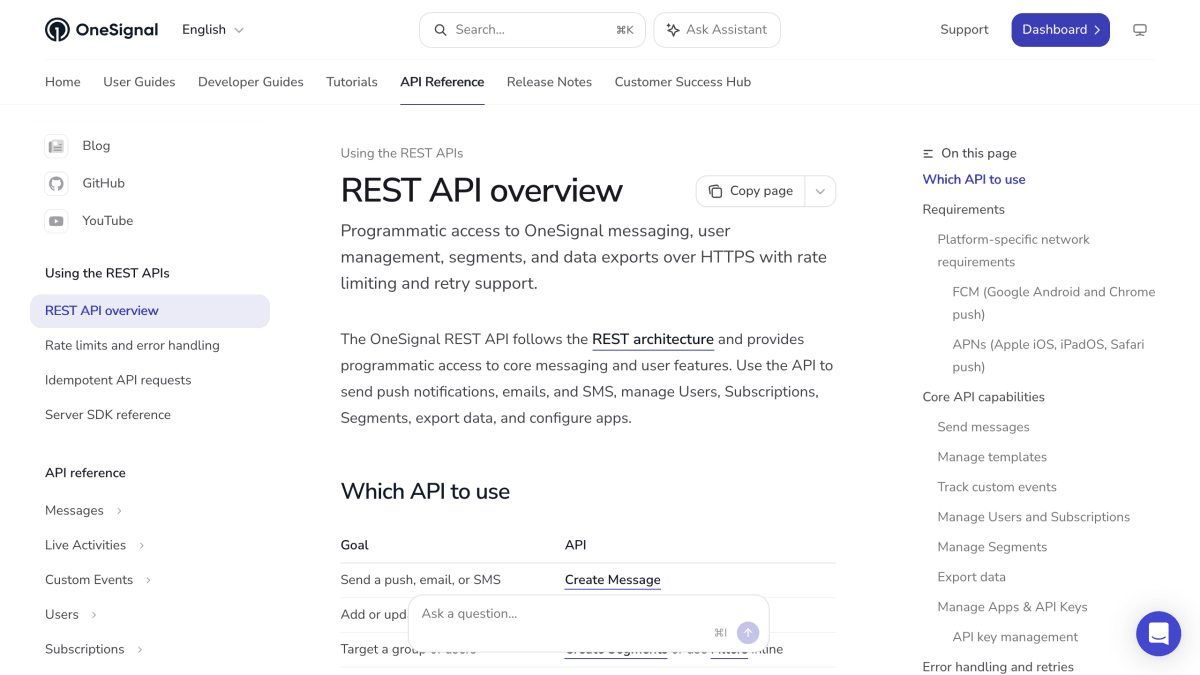
OneSignal provides a REST API for sending push notifications, email, and SMS messages, as well as managing users, subscriptions, segments, and message templates. The API supports creating and updating templates for push, email, and SMS content, and lets developers record custom events to trigger Journeys and Wait Until nodes. It also supports Live Activity updates for iOS devices.
Beyond messaging, the API covers user and subscription management (creating, viewing, updating, and deleting users), segment creation and filtering for targeted messaging, and data export in CSV format for subscriptions and events (sent, received, clicked). It also provides endpoints for managing apps (grouping platforms like mobile apps and websites under a single App ID) and for creating, viewing, updating, and deleting API keys with specific permissions.
All requests require HTTPS with TLS 1.2 or higher over port 443, and traffic is routed through Cloudflare's global edge network. The API returns temporary errors such as 429 (rate limited) or 5xx (server errors), and OneSignal recommends using an idempotency key with retries to avoid duplicate messages; the default API response timeout is 100 seconds. This API is intended for developers integrating messaging and user-data functionality into their applications.
Key features
- Send push notifications, email, and SMS via REST API
- Create and manage Users and Subscriptions with tags and aliases
- Build Segments with filters for targeted messaging
- Create reusable templates for push, email, and SMS messages
- Track custom events to trigger Journeys
- Export CSV data for subscriptions and events
Frequently asked questions
What platforms does the OneSignal REST API support?
It supports push notifications for mobile apps and websites (including FCM for Android/Chrome and APNs for Apple platforms), plus email and SMS messaging.
What is the API request timeout?
The default timeout is 100 seconds, and an idempotency_key should be used to safely retry requests if completion is uncertain.
Do I need to manage TLS certificates myself?
No, the API uses HTTPS with a publicly trusted TLS certificate managed by Cloudflare that renews automatically.
How does the API handle rate limits and errors?
It may return 429 (rate limited), 5xx server errors, or timeouts, and recommends using an idempotency_key with recommended retry delays to avoid duplicate messages.
Can I manage app configuration through the API?
Yes, you can create, update, and view apps and API keys, including grouping platforms like mobile apps and websites under a single App ID.


SerpApi - Search API
SerpApi's Search API makes it easy and fast to scrape Google and other search engines.

Show your product to thousands of developers
· 100k monthly pageviews
· 7k newsletter subscribers
You might also like
NiuProxy
DevelopmentResidential proxies for web scraping, AI agents and automation, with flexible IP rotation, 190+ countries, and HTTP(S)/SOCKS5 support.
npm Registry
DevelopmentQuery information about your favorite Node.js libraries programmatically.
Olostep
DevelopmentAI-native web search, scraping, and crawling API that delivers clean, structured, real-time web data. Used by top AI companies.
Open Page Rank
DevelopmentAPI for calculating and comparing metrics of different websites using Page Rank algorithm.
OpenAPIHub
DevelopmentThe All-in-one API Platform.
OpenWeb Ninja
DevelopmentThe web data & SERP API stack for AI engineers, app developers, and GTM teams. 40+ fast and reliable APIs for accurate, real-time public data from across the we.