Notion
Integrate with Notion.
About Notion
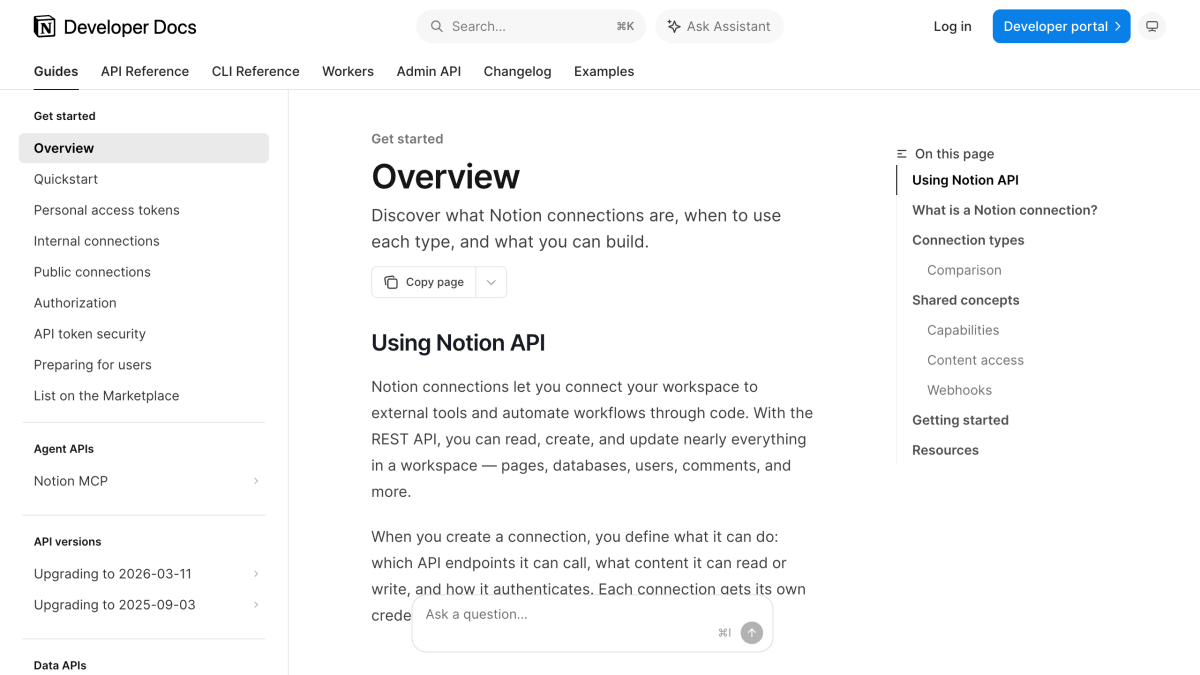
Notion provides a REST API for connecting external tools and automation scripts to a Notion workspace, allowing developers to read, create, and update pages, databases, users, and comments. The API supports three authentication models: internal connections, which use a static token scoped to a single workspace for team-owned automations; public connections, which use OAuth 2.0 and can be installed across multiple workspaces or listed on a Marketplace after security review; and personal access tokens, user-scoped static tokens for scripts, CLI workflows, and Workers that act on behalf of the token creator.
Each connection or token is configured with capabilities that control what it can access, including pages, databases, database views, data sources, file uploads, comments, content search, and user profiles. Content access is granted differently depending on connection type: internal connections get access through the Developer portal or by having workspace members share pages, public connections use an OAuth page picker during authorization, and personal access tokens inherit the creator's existing Notion permissions.
The API also supports webhooks, letting a connection subscribe to real-time events such as page updates, property changes, and new comments instead of polling. This is intended for developers building internal dashboards, syncing data, automating workflows, or creating apps and tools that integrate with Notion workspaces.
Key features
- REST API to read, create, and update pages, databases, users, and comments
- Three authentication models: internal connections, public connections (OAuth 2.0), and personal access tokens
- Webhook subscriptions for real-time events like page updates and new comments
- Granular capabilities configuration (read/insert content, comments, users, file uploads)
- Marketplace listing for public connections after Notion security review
- Official Notion SDK for JavaScript
Frequently asked questions
What authentication options does the Notion API support?
Notion supports internal connections (static API token, single workspace), public connections (OAuth 2.0, installable across workspaces), and personal access tokens (user-scoped static bearer tokens).
Can I build an app for many Notion workspaces?
Yes, public connections use OAuth 2.0 and can be installed by any workspace or a selected set chosen at creation, and can be listed on the Marketplace after a security review.
How do connections get access to pages and databases?
Internal connections get access when the owner adds pages or a workspace member shares them via the Add connections menu; public connections use an OAuth page picker; personal access tokens use the creator's existing Notion permissions.
Does the API support real-time updates?
Yes, connections can subscribe to webhooks for events like page updates, property changes, and new comments instead of polling the API.
Is there an official SDK?
Yes, Notion provides a Notion SDK for JavaScript along with a Postman collection and starter templates.


SerpApi - Search API
SerpApi's Search API makes it easy and fast to scrape Google and other search engines.

Show your product to thousands of developers
· 100k monthly pageviews
· 7k newsletter subscribers
You might also like
Mattermost
Documents & ProductivityAn open source platform for developer collaboration.
MConverter
Documents & ProductivityFile converter and PDF compressor. Extract images from video, convert documents, Markdown and more.
Monday
Documents & ProductivityProgrammatically access and update data inside a monday.com account.
PandaDoc
Documents & ProductivityDocGen and eSignatures API.
PaperClean
Documents & ProductivityClean document photos for printing, remove shadows and fix lighting.
Paraphrase Text API
Documents & ProductivityThe Paraphrase Text Generator API generates a paraphrased version of the provided text.